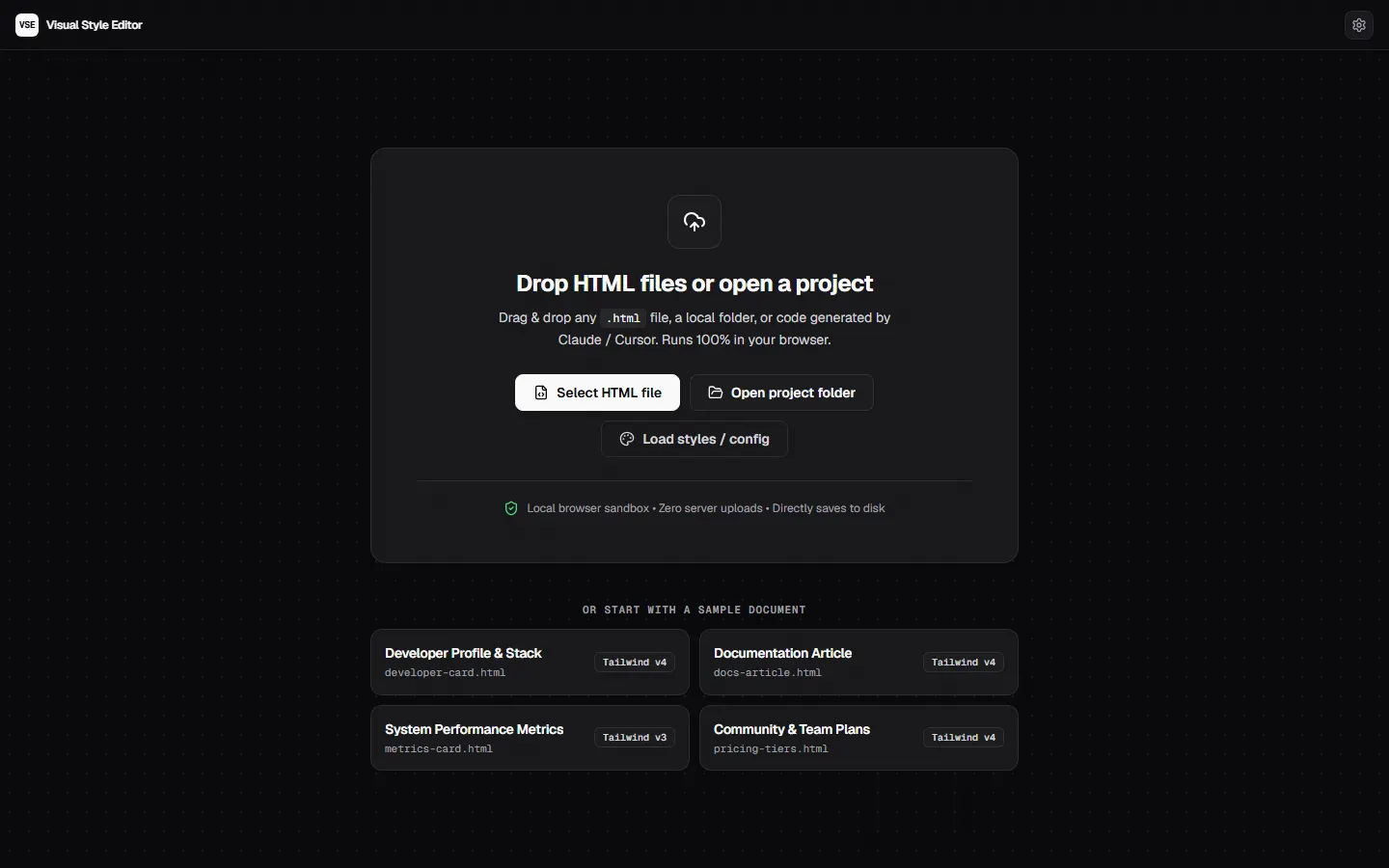
Shorten the feedback loop
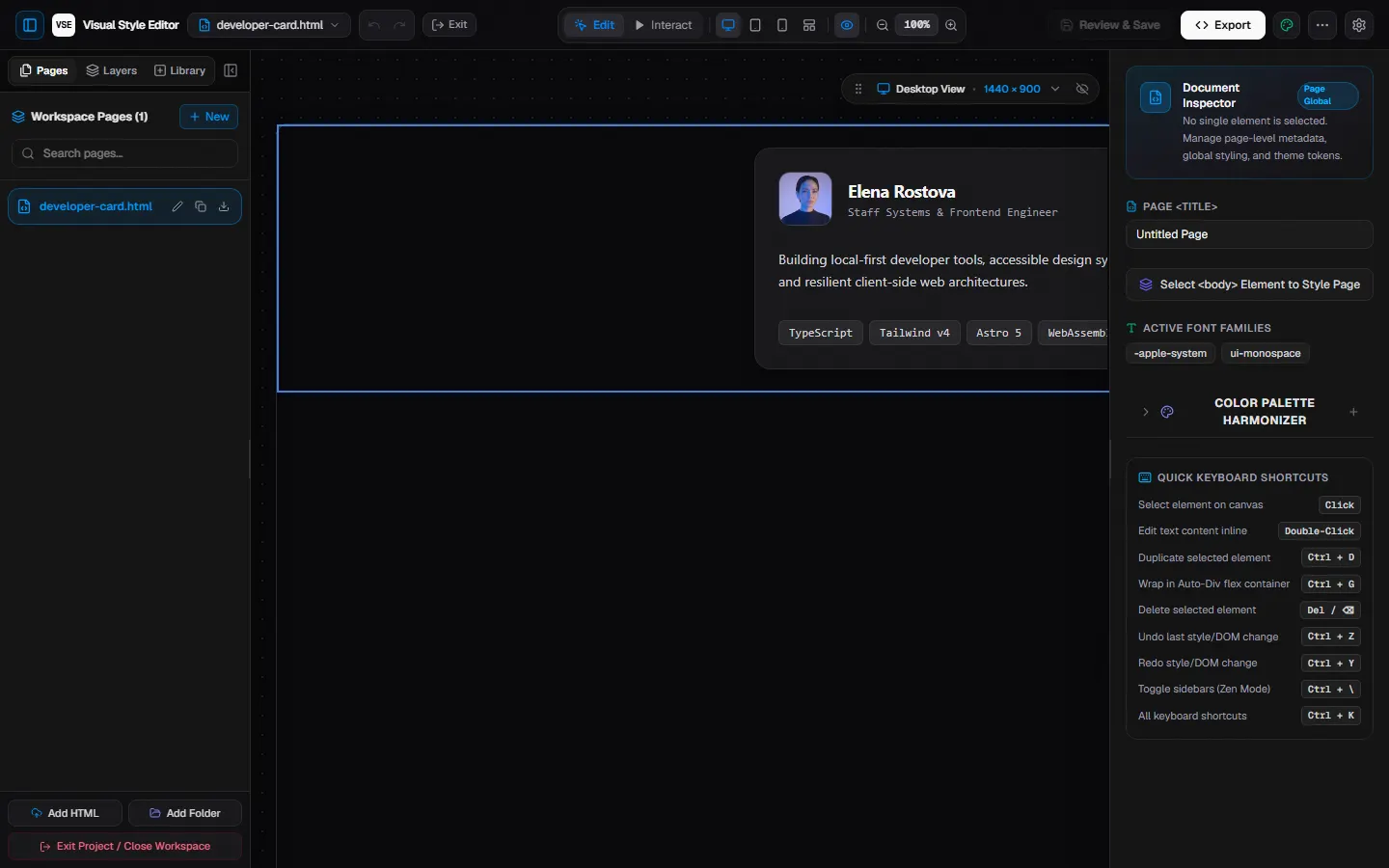
Let users select an element and see visual changes in context.
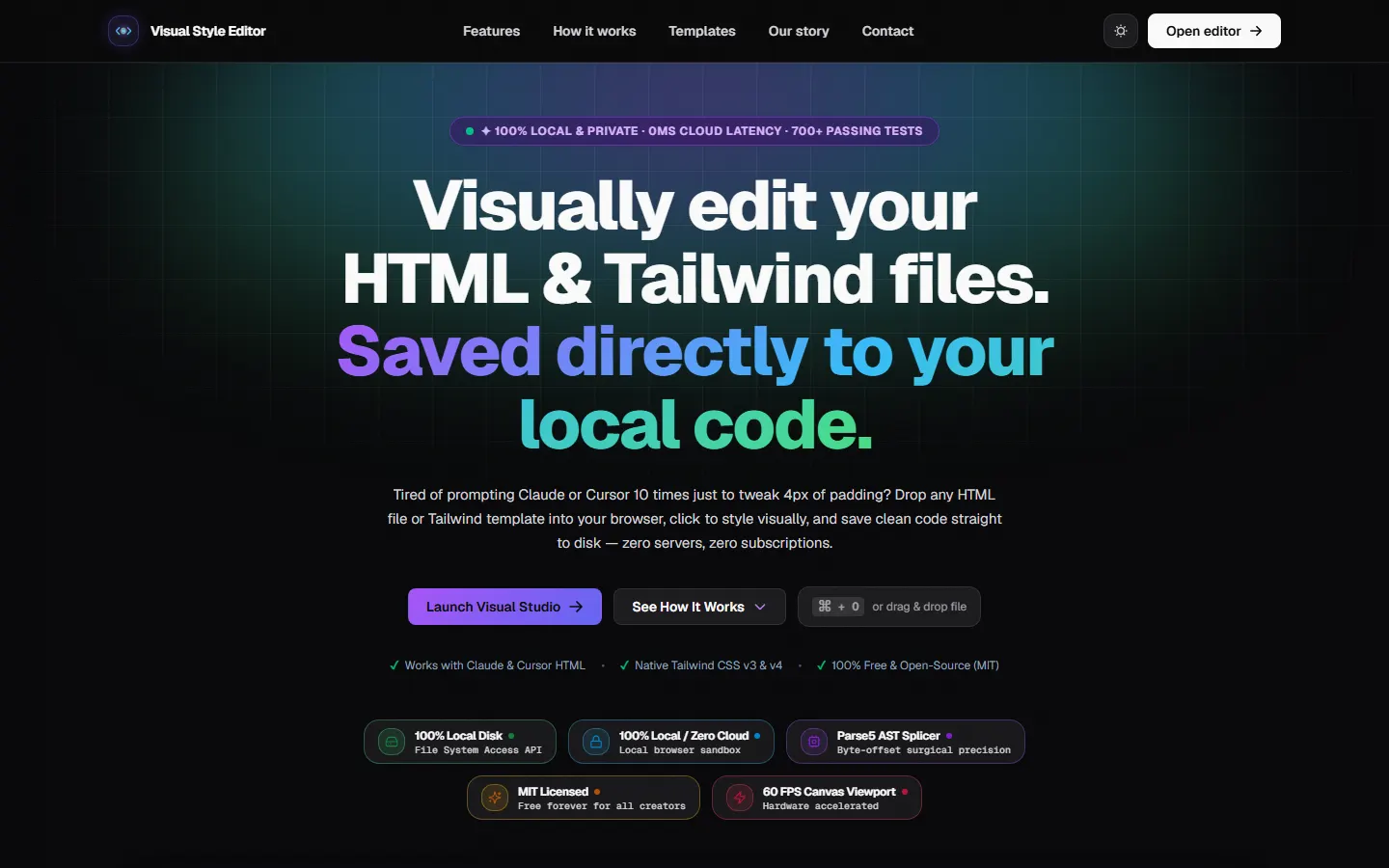
A browser-based studio for visually refining HTML and Tailwind.
The overview
Small visual adjustments can become slow when every change requires another round of manual code editing.
A browser-based studio for visually refining HTML and Tailwind.
Why this work matters
Useful for teams improving a repetitive creative workflow. These are the opportunities the design is intended to support; results depend on the business and how the experience is used.
Let users select an element and see visual changes in context.
Place styling controls beside the page being edited.
Return edited code through an export flow for use outside the tool.
The challenge
Make it possible to inspect and adjust a page visually while keeping the underlying code available to its creator.
The objective
The approach
Bring an interactive canvas, style controls and code export into a browser-based editing workflow.
The experience, connected
Explore the parts of the experience and the path they create for the people using it.
Each segment represents one part of the experience, not a percentage or performance measure.
Select a part to explore
Users can bring an HTML file into a canvas and select elements to work on.
Style controls provide a visual way to adjust properties and see changes in context.
An export flow returns the edited code for use outside the tool.
The path through
Shorten the loop between seeing a design decision and applying it.
Explore the screens behind the experience.
Inside the experience
Open each part to see the thinking behind the experience.
Users can bring an HTML file into a canvas and select elements to work on.
Style controls provide a visual way to adjust properties and see changes in context.
An export flow returns the edited code for use outside the tool.
The journey
A simple way to understand the experience from the visitor's perspective.
Users can bring an HTML file into a canvas and select elements to work on.
Style controls provide a visual way to adjust properties and see changes in context.
An export flow returns the edited code for use outside the tool.
See how the details come together across the project.
The design principle
Continue exploring
Next case study9WERKS