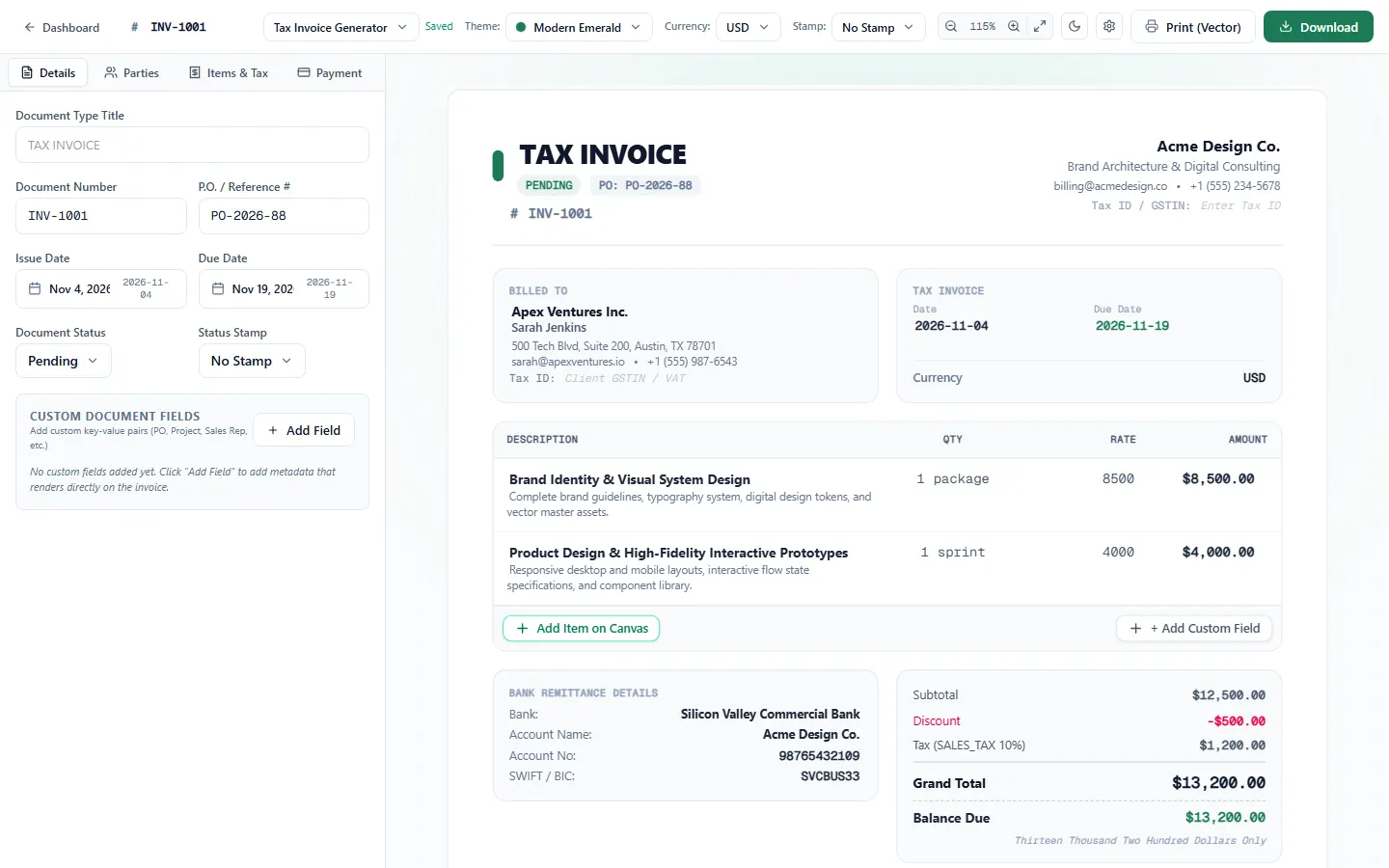
Remove setup friction
Let a user start creating an invoice without an account.
A local-first invoicing tool for freelancers and small businesses.
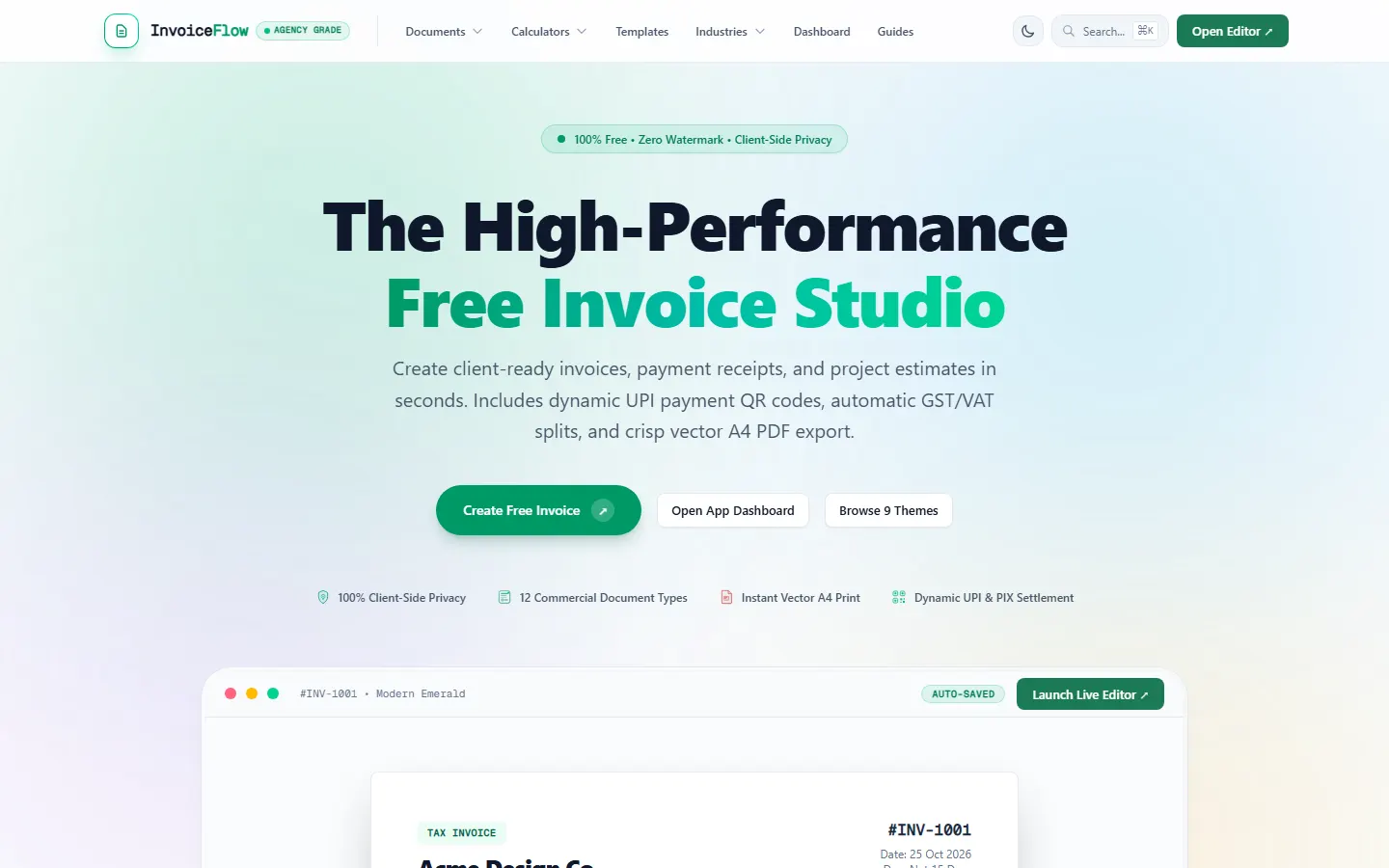
The overview
A simple invoice can still involve tax, payment details, presentation and a reliable export.
A local-first invoicing tool for freelancers and small businesses.
Why this work matters
Useful for businesses turning a manual task into a useful tool. These are the opportunities the design is intended to support; results depend on the business and how the experience is used.
Let a user start creating an invoice without an account.
Bring payment information, tax options and presentation into one workflow.
Give users a route from entered information to a printable or shareable invoice.
The challenge
Make invoice creation approachable while supporting practical Indian and international payment and tax details.
The objective
The approach
Combine browser-based editing with invoice themes, tax calculations and print-ready output.
The experience, connected
Explore the parts of the experience and the path they create for the people using it.
Each segment represents one part of the experience, not a percentage or performance measure.
Select a part to explore
Drafts and business profiles are stored in the browser, keeping the creation flow account-free.
UPI QR codes, bank details and GST or other tax options address common payment needs.
Multiple visual themes and A4 PDF or print output turn entered information into a shareable document.
The path through
Help a business prepare a useful invoice without an account setup interrupting the task.
Explore the screens behind the experience.
Inside the experience
Open each part to see the thinking behind the experience.
Drafts and business profiles are stored in the browser, keeping the creation flow account-free.
UPI QR codes, bank details and GST or other tax options address common payment needs.
Multiple visual themes and A4 PDF or print output turn entered information into a shareable document.
The journey
A simple way to understand the experience from the visitor's perspective.
Drafts and business profiles are stored in the browser, keeping the creation flow account-free.
UPI QR codes, bank details and GST or other tax options address common payment needs.
Multiple visual themes and A4 PDF or print output turn entered information into a shareable document.
The design principle
Continue exploring
Next case studyLassi Wassi